APT Vulnerability CVE-2026-109518: How to Check and Update Debian and Ubuntu
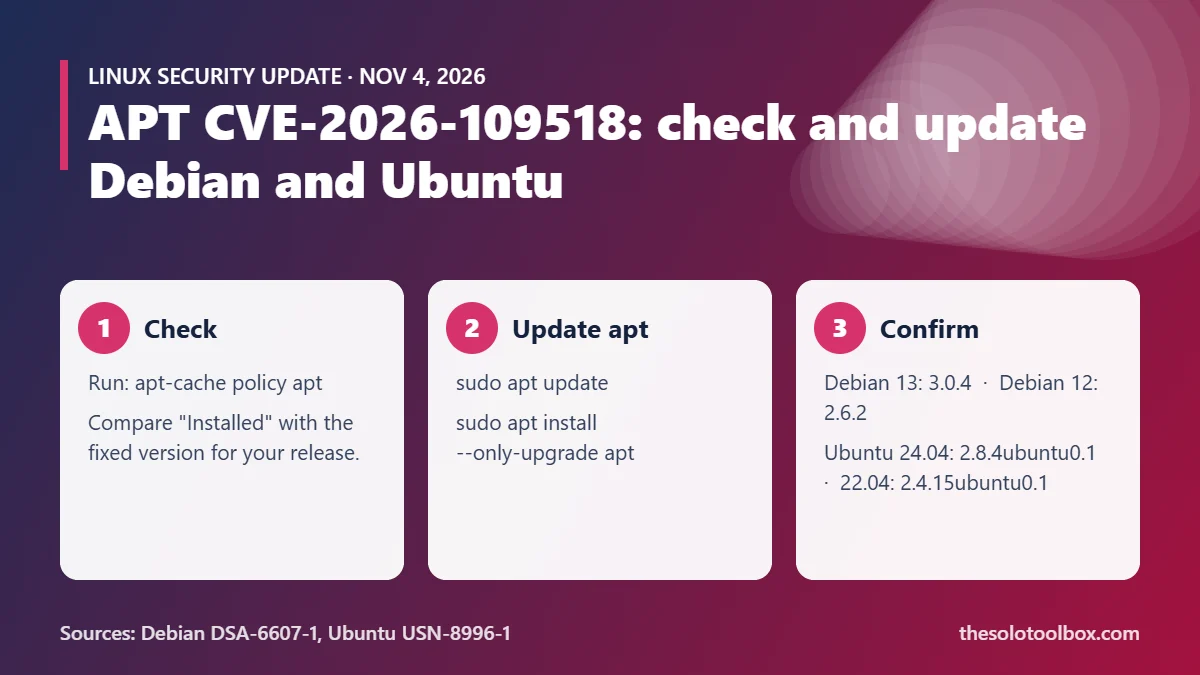
CVE-2026-109518 is a flaw in APT, the package manager on Debian, Ubuntu and their derivatives, that lets an attacker who controls the HTTP traffic between your machine and a package mirror replace a package after APT has verified it, which ends with code running as root. Debian (DSA-6607-1) and Ubuntu (USN-8996-1) both shipped fixed apt packages on November 4, 2026. The fix is a normal update: run sudo apt update, then sudo apt install --only-upgrade apt, and confirm your version matches the table below.
This guide covers who is exposed, the fixed version for each release, how to check and update, and what to do if you can’t patch right away.
Before you start
- Applies to: Debian 12 (bookworm) and 13 (trixie), Ubuntu 22.04 LTS and newer, plus older releases that set a non-zero
Acquire::Retries - You need: sudo access on each machine, or your config management tool for fleets
- Time: about 5 minutes per machine
- Checked: November 5, 2026, against the Debian security tracker, DSA-6607-1, USN-8996-1 and the APT maintainers’ announcement
What CVE-2026-109518 does
APT downloads .deb files over HTTP by default and relies on signed repository metadata, not the transport, to check that each package is genuine. Max Justicz found a gap in that model. According to Debian’s advisory, APT “can merge two different package downloads after an HTTP redirect gives them the same URI.” When APT then retries a failed download, it mishandles the hard links it reuses, so an attacker can swap the file’s contents after the hash check has already passed.
APT maintainer Julian Andres Klode’s announcement on the deity mailing list describes it as a “critical file verification bypass” triggered by redirects plus ordinary transient server errors that make APT retry. Because packages install with root privileges, a swapped package means arbitrary code execution as root.
Ubuntu rates the issue High priority with a CVSS v4.0 base score of 7.7. Neither Debian nor Ubuntu reports active exploitation as of November 5, 2026.
Who is exposed
Three conditions have to line up:
- An on-path attacker. Someone who can tamper with HTTP traffic between you and the archive: a malicious or compromised mirror, a hostile proxy, or a network you don’t control (public Wi-Fi, a shared hosting network).
- Redirects. The client has to follow an HTTP redirect, which APT does by default.
- Retries.
Acquire::Retriesmust be above zero. The default became 3 in APT 2.3.2, which is why Debian 12 (bookworm) and Ubuntu 22.04 LTS are the first releases affected out of the box.
Older releases such as Ubuntu 20.04 or Debian 11 are not affected in a default configuration, but the APT maintainers note that many scripts and images set Acquire::Retries manually. Docker build files and CI runners often do this to ride out flaky mirrors, so check those too.
Fixed apt versions
| Release | Vulnerable | Fixed apt version | Advisory |
|---|---|---|---|
| Debian 13 trixie | 3.0.3 | 3.0.4 | DSA-6607-1 |
| Debian 12 bookworm | 2.6.1 | 2.6.2 | DLA-4880-1 |
| Debian sid | earlier builds | 3.3.6 | tracker |
| Ubuntu 26.10 | earlier builds | 3.3.3ubuntu0.1 | USN-8996-1 |
| Ubuntu 26.04 LTS | earlier builds | 3.2.1ubuntu0.1 | USN-8996-1 |
| Ubuntu 24.04 LTS | earlier builds | 2.8.4ubuntu0.1 | USN-8996-1 |
| Ubuntu 22.04 LTS | earlier builds | 2.4.15ubuntu0.1 | USN-8996-1 |
| Ubuntu 20.04 LTS | earlier builds | 2.0.12+esm1 | USN-8996-1 (Ubuntu Pro) |
| Ubuntu 18.04 LTS | earlier builds | 1.6.19+esm1 | USN-8996-1 (Ubuntu Pro) |
Debian’s tracker listed forky (testing) as still vulnerable at 3.3.5 when we checked; it should pick up the sid fix through normal migration. The trixie update also fixes several out-of-bounds access bugs, according to DSA-6607-1.
How to check your apt version
Run this on each machine:
apt-cache policy aptThe Installed line is your current version and Candidate is the newest one your sources offer. If Installed is lower than the fixed version for your release in the table, you need the update. You can also use dpkg -l apt for a one-line answer.
To see whether retries are switched on, run:
apt-config dump | grep -i retriesA result of Acquire::Retries "3"; (or any number above 0) means the vulnerable code path is reachable on an unpatched system. No output usually means you are on an older APT with the old default of 0.
How to update apt
- Refresh package lists:
sudo apt update - Upgrade apt itself first:
sudo apt install --only-upgrade apt - Run
apt-cache policy aptagain and confirm Installed now matches the fixed version. - Apply the rest of your pending updates with
sudo apt upgradeas usual.
Updating apt first, on its own, keeps the window in which the old code handles downloads as short as possible. On Ubuntu 20.04 and older, the fixed packages come from the ESM repositories, so the machine needs an active Ubuntu Pro attachment (pro status shows it). Ubuntu Pro is free for personal use on up to five machines.
For fleets, push the same --only-upgrade apt step through Ansible, Salt or your MDM before the regular patch run, and rebuild container base images so new containers don’t start with the old apt.
If you can’t update right away
Two settings close the attack path in the meantime, at a cost:
- Turn off retries. Create
/etc/apt/apt.conf.d/99no-retriescontainingAcquire::Retries "0";. The vulnerability needs retries, so this blocks it, but transient mirror errors will now fail your install instead of retrying. Remove the file once apt is patched. - Use HTTPS mirrors. Pointing your sources at HTTPS mirrors makes it much harder for someone on the network path to tamper with responses. This is our inference from the attack requirements, not a mitigation either advisory lists, and it does not protect you from a malicious mirror itself.
Avoid running apt install or apt upgrade on untrusted networks until the fix is in. If you are installing software from a third-party repository, stick to its official HTTPS URL.
Should you worry about past installs?
No vendor has published indicators of compromise. If a machine installed packages through a proxy or mirror you don’t trust since moving to bookworm or 22.04, compare installed files against package checksums with sudo debsums -c (install the debsums package first). It flags files that differ from what the package shipped. It won’t catch everything, so treat a clean result as reassurance, not proof.
FAQ
Is CVE-2026-109518 being exploited?
Neither Debian’s DSA-6607-1 nor Ubuntu’s USN-8996-1 reports exploitation in the wild as of November 5, 2026.
Does this affect Linux Mint, Pop!_OS or Raspberry Pi OS?
They use APT, so they inherit the bug. Derivatives built on Ubuntu 22.04 or newer, or on Debian 12 or newer, have retries on by default. Wait for your distribution’s own apt update or check that it has pulled the Debian or Ubuntu fix, then verify with apt-cache policy apt.
Do I need to reboot after updating apt?
No. APT is not a running service, so the new version is used the next time you run an apt command.
Is my system safe if I only use the official Debian or Ubuntu mirrors?
The attack needs control of traffic on the path, so official mirrors lower the risk but don’t remove it if the network between you and the mirror is hostile. Patch anyway.
Next step
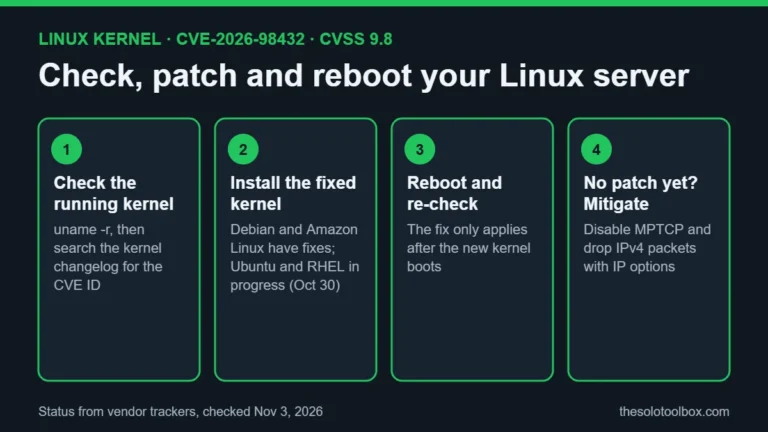
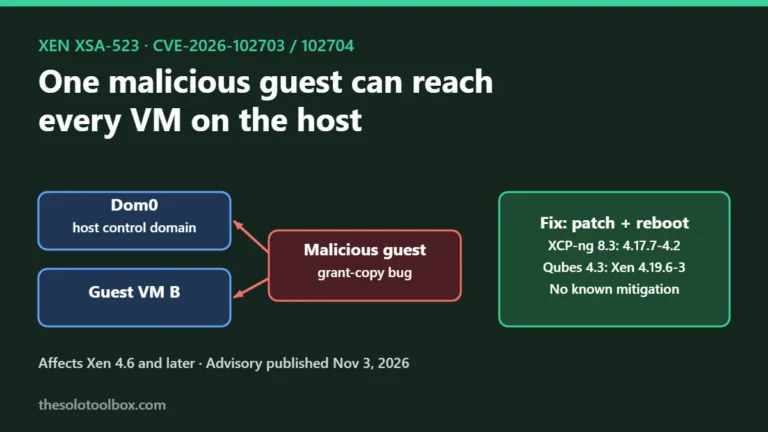
Run apt-cache policy apt on every Debian and Ubuntu machine you look after, and update any that sit below the fixed version. If you also run Linux servers with kernel or hypervisor exposure this week, see our guides to the Linux kernel CVE-2026-98432 patch check and the Xen XSA-523 update for XCP-ng and Qubes. Admins who use Tailscale SSH on the same machines should also check our Tailworm vulnerability guide.
How we checked: fixed versions come from the Debian security tracker, Debian advisory DSA-6607-1 and Ubuntu notice USN-8996-1, all read on November 5, 2026. The HTTPS mirror suggestion is our own reasoning, and we did not test the exploit.
Sources
- DSA-6607-1 apt security update (Debian, Nov 4, 2026)
- CVE-2026-109518 (Debian security tracker)
- USN-8996-1: APT vulnerability (Ubuntu, Nov 4, 2026)
- CVE-2026-109518 (Ubuntu CVE page)
- APT-2026-11-01 security update (deity mailing list, Nov 4, 2026)